Amir Alexander Abdelbaki
90375a5733
Amir Alexander Abdelbaki
90375a5733
New leaner Hyprland DE (setup/modules/Desktop-Environments/hyprdrive.sh),
a sibling of hyprlua that drops the older EWW/nwg-shell/wofi/walker/
ulauncher stack in favor of a purpose-built, GTK4 layer-shell component
suite sharing one CyberQueer hologram visual language:

- orbit-menu    radial power/utility menu (focal-point zoom nav, holographic
                overlay, cosmetic satellites)
- horizon-dock  hover-scrollable orbital app dock (open windows/favorites/
                all apps orbits, SNI tray satellite)
- astro-menu    astal-menu re-themed as a hologram info display (Location/
                Weather/Bluetooth/Network quads, taskbar, app drawer)
- station-bar   the EWW top bar's replacement ("Voidstation Status Bar"):
                a thin curved layer-shell bar tracking Hyprland workspaces/
                active window natively over .socket2.sock, no polling

Every component now shares one consistent hologram treatment: translucent
violet panel/node fills (replacing solid gray), a config-toggleable
scanline+sweep+noise overlay (lib/hologram.py, ported to horizon-dock and
station-bar to match orbit-menu/astro-menu), and glow-on-hover throughout.

Also adds horizon-dock to hyprlua (built there first, before hyprdrive
existed) and wires dependency checks, config-updater entries, and
apply-theme.sh color sync for every new component across both DEs.

Co-Authored-By: Claude Sonnet 5 <noreply@anthropic.com>
Claude-Session: https://claude.ai/code/session_01Nu8JkQ95hPAT8vADeGDAmL
|
||
|---|---|---|
| .. | ||
| assets | ||
| benchmark | ||
| scripts | ||
| src | ||
| theme | ||
| .prettierrc | ||
| LICENSE | ||
| README.md | ||
| package-lock.json | ||
| package.json | ||
README.md
[!WARNING]
recently discord has rolled out a new UI refresh update, which breaks the theme. for now, development is paused. if and when i find the motivation, the theme will be rewritten for the new UI. until then, please check out my other theme, midnight.
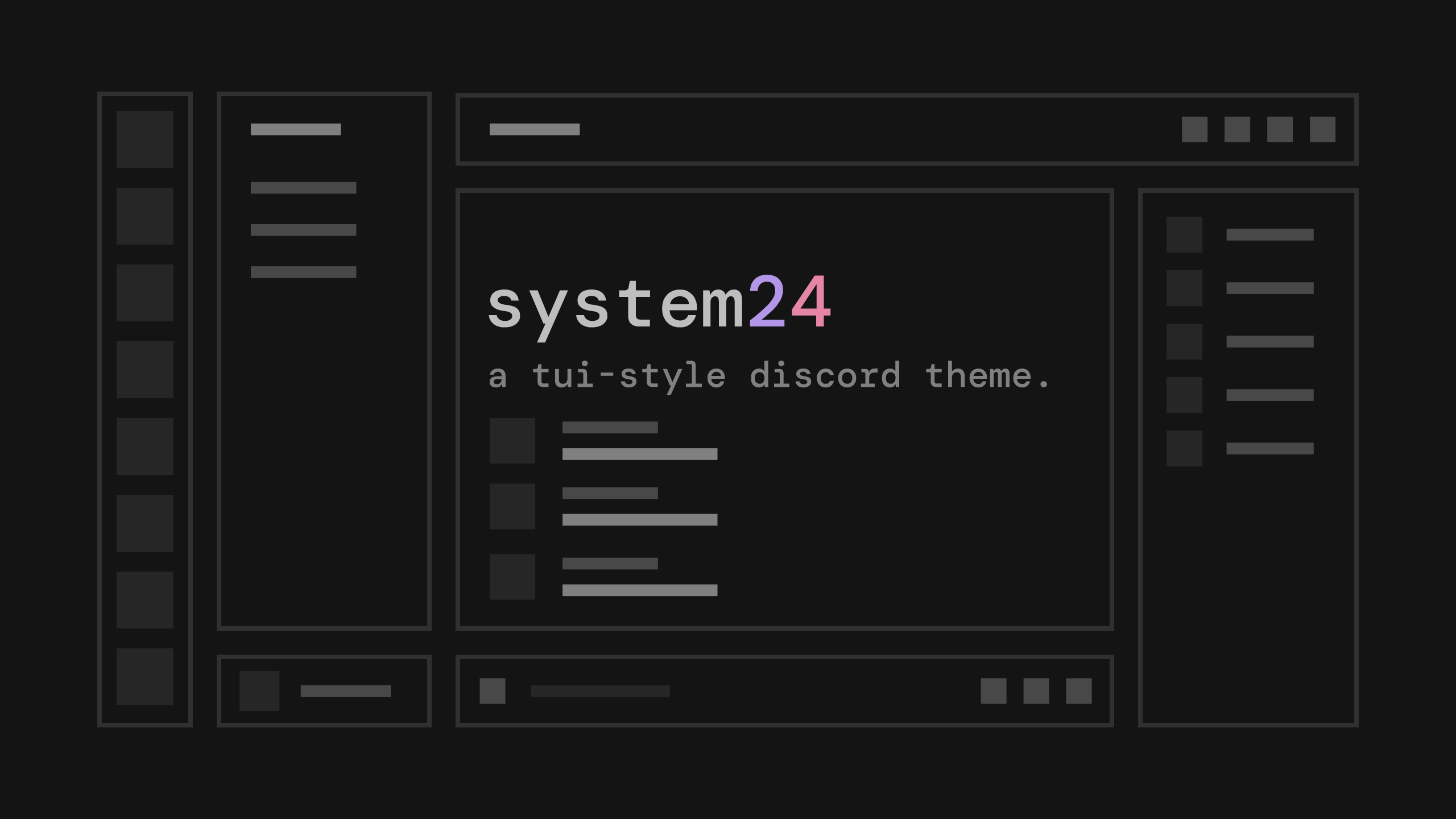
system24
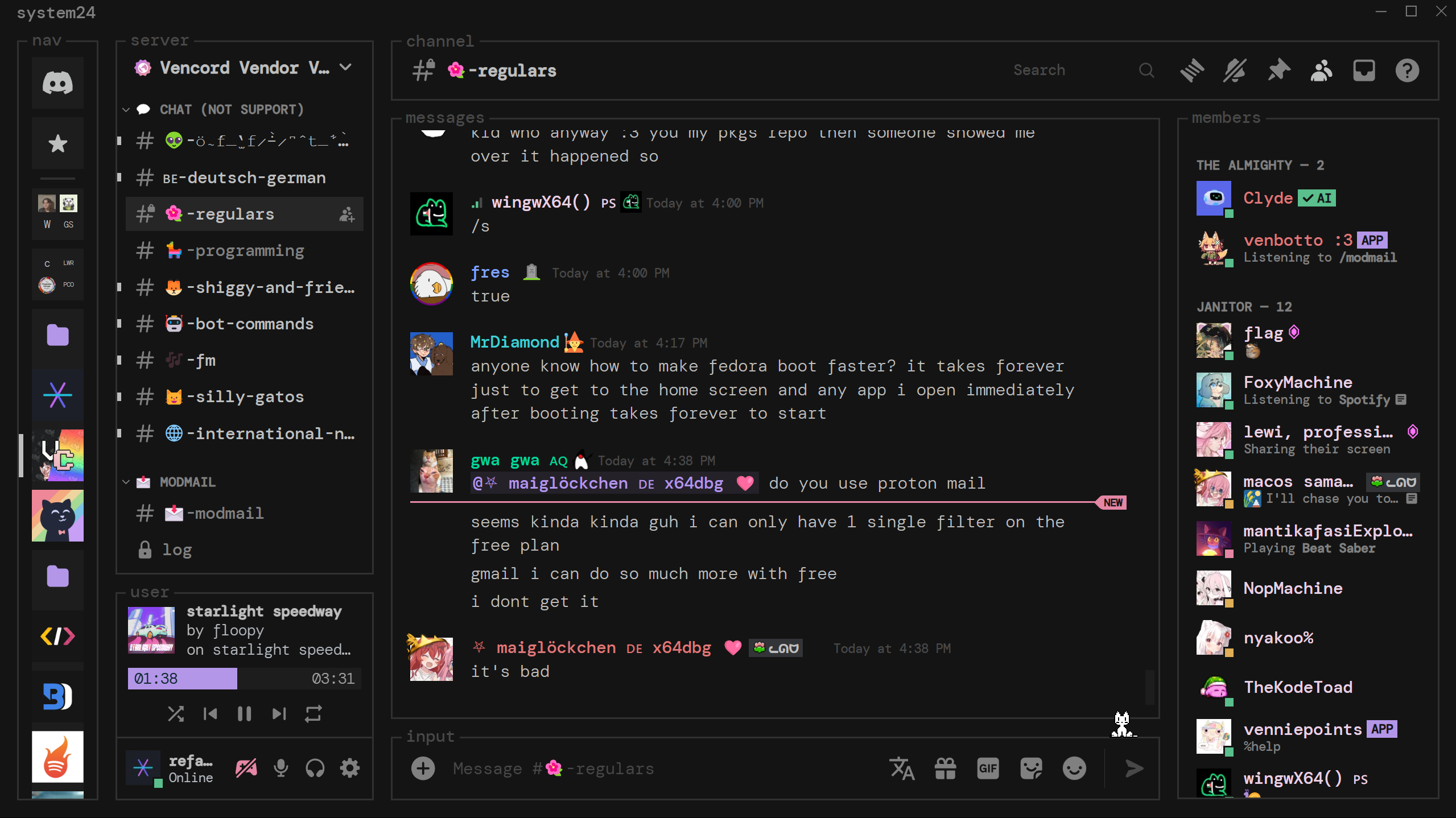
a tui-style discord theme, inspired by spicetify text theme.
discord server
need help? want to get notified about updates? have feedback? join https://discord.gg/nz87hXyvcy
install
vencord/betterdiscord (or client with theme folder)
- go the default theme file or choose a flavor from the options below.
- click the download button in the top right.
- move the downloaded file into your theme folder. (there should be a button to open the theme folder in theme settings)
- you may need to enable the theme in your theme settings by clicking a toggle switch.
- (optional) customize the theme by editing the variables in
system24.theme.css.
install through link
- add
https://refact0r.github.io/system24/theme/system24.theme.cssto your theme import links.
flavors
customized variants of the theme.
spotify-text
matches the spotify/spicetify "text" theme. thinner borders and different font weights from the default system24.
catppuccin mocha
based on the mocha palette of catppuccin.
gruvbox material
based on the vim theme gruvbox material.
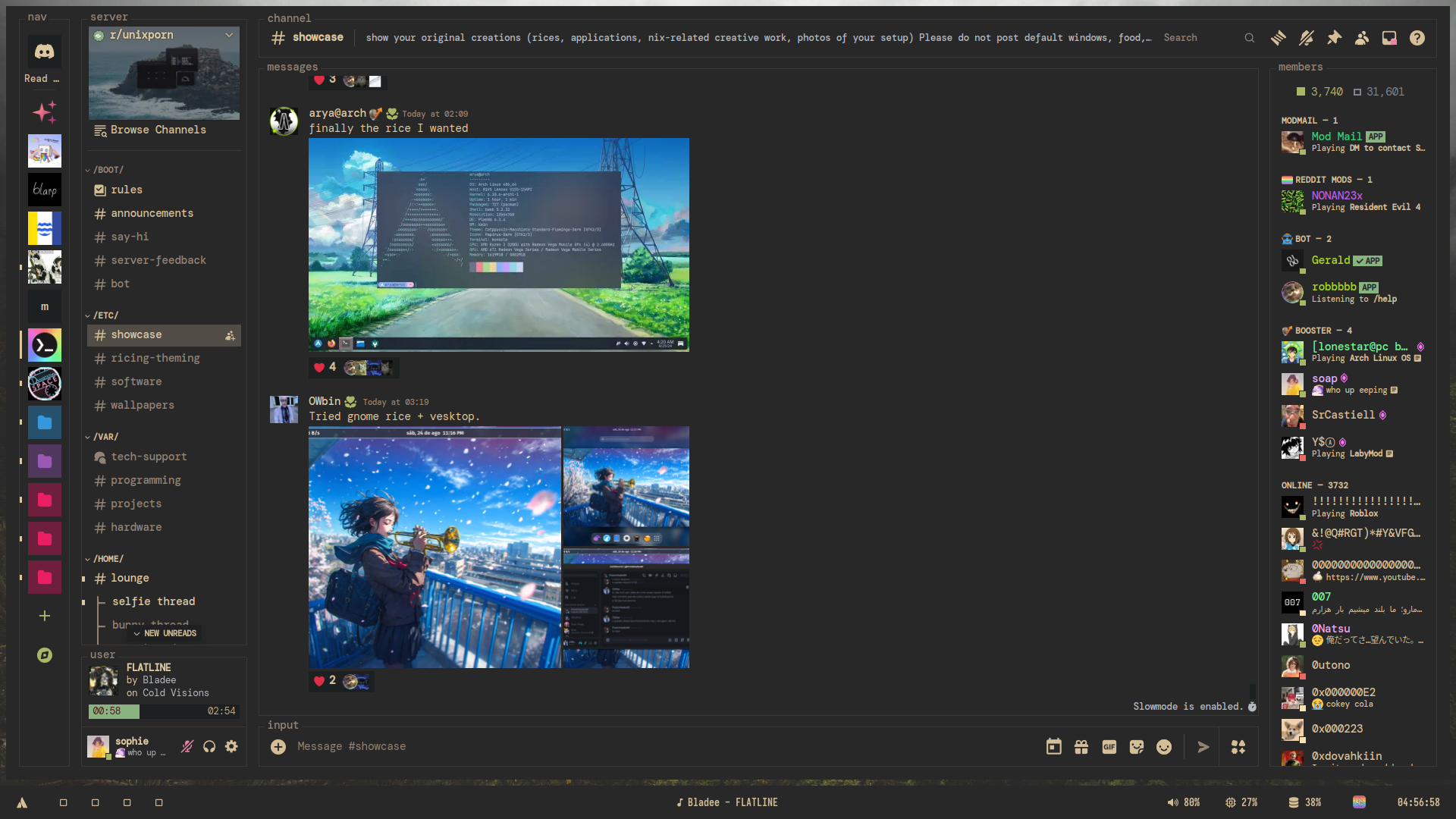
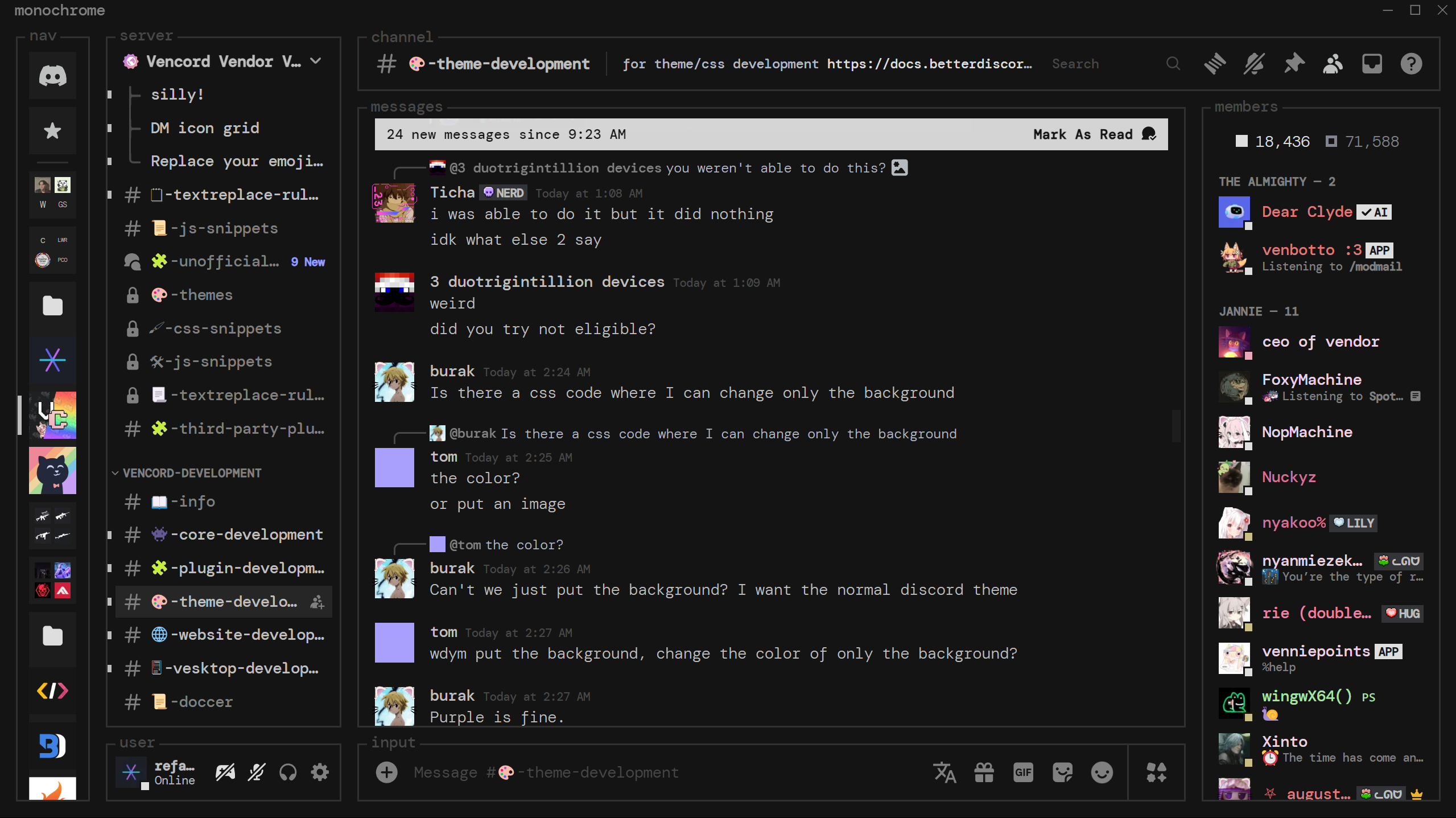
monochrome
A monochrome version of the default theme with mostly neutral colors.
rose pine
based on the main palette of rose pine.